
In 1998, I was in my second year as a professional technologist, I was 25 years old, high-energy, and carrying considerably more hubris than caution.
A faculty member needed help with accessing their email. Back then, this was Microsoft Mail, a now-archaic desktop application that brought down emails from the university’s email server to the employee’s local computer. In those days the only cloud in the late ‘90s was a fluffy one in the sky that looked like a ducky or a horsie.
I arrived at their office, sat down at their computer, and started clicking around their desktop with the confidence of someone who hadn’t yet learned what overconfidence results in. Less than a minute later, I realized I accidentally deleted their email archive folder...not a server copy, not something recoverable. The original. Seven years of emails, gone.
The faculty member was angry. They eventually forgave me. My supervisor was angry. They got over it.
I never got over it.
That was seven years of communications that vanished before I could right-click to undo. That folder contained professional correspondence and maybe personal letters from family and friends back when we referred to it as electronic mail. I didn’t ask the faculty what the contents of that folder contained, I was swallowing too much water drowning in the shame pool.
That moment is still with me every time I sit down at someone else’s computer. It’s the reason I state it audibly, before I touch anything: “There will not be any loss of data.” It’s the reason I tell clients, specifically and deliberately, as they watch me move folders around in their file explorer, “Your photos are snapshots in time of your family’s life. I will never put these in jeopardy.” It’s the reason I triple-check, out loud, that every file has successfully arrived in its new location before I touch the delete button. Make no mistake, I’m a quirky technologist, but the clients who sit next to me watching me do my work and hearing my running commentary of every path I take on their computer know beyond a shadow of a doubt I take their files seriously.
What started as a wound became a protocol. What became a protocol became an oath. What became an oath eventually became the thing I’m known for.
She found me through a family connection. A retired widow, warm and friendly, who knew I was a kind tech and wanted help untangling her late husband’s online accounts not long after he passed away. That was six years ago. Since then she’s contacted me every couple of years when it’s time to untangle some more. A new layer of the digital life he left behind, another account that needed attention, another subscription quietly renewing in the background without her awareness until there was a noticeable charge on the credit card bill.
This visit was the most complex yet.
Modern tech companies are not designed with a retired widow in mind. They’re designed to move personal customers into a proprietary silo and keep them there, making it as difficult as possible to leave, consolidate, or simply understand what they’re paying for and why. Her late husband’s files and photos lived in Microsoft’s silo. Her own photos lived in Apple’s silo. Neither company designed their product to make consolidation easy. Neither company likes talking to the other. And somewhere in the middle of both of them was a woman who just wanted to know where her files were.
I spent five or 10 minutes reacquainting myself with her tech landscape after a couple of years away. Accounts, subscriptions, usernames, passwords, access. Mapping in my mind what existed, what was active, what was dormant, what was hers versus his. As I worked through it she said, at least three times: “I would have no idea where any of this is located.” And: “I would never have been able to do this by myself.”
I smiled and said gently, “I’m glad I can sidetrack some unnecessary speed bumps in getting access to your files.”
What I found as I mapped the landscape: two Microsoft 365 subscriptions. One had expired five months ago, which was why Word and Excel on her desktop computer had stopped working. She had the modern version of Word and Excel, which is a subscription-based model for use. If Microsoft doesn’t get their money from the subscription fee, you don’t get to compose a document. The bouncer in front of the club ain’t letting you in.
Pop quiz: when your credit card expiration date is soon expiring, and you automatically receive a new credit card in the mail, do you immediately go to your online accounts to update your credit card info with the new expiration date and CVV code? Me neither. I have to be reminded in an email from the company that my card has expired on their account, then I take action to update.
My client didn’t see the tiny yellow triangle with an exclamation mark in it in the account box at the top of her Word and Excel windows. I saw it, and learned that account was attached to her late husband’s email. The card used for the late husband’s subscription expired without her awareness, two or three weeks before she contacted me. Two or three weeks without being able to update a spreadsheet.
The other Microsoft 365 account had auto-renewed four months ago for an annual $130 fee, quietly, automatically, because that’s what subscriptions do when nobody is watching them.
She didn’t need everything in Microsoft 365. She just needed Word and Excel.
I remembered that a techie website called StackSocial periodically offers lifetime software licenses for tools like this. I checked. Sure enough: a lifetime license for Office 2019, $18. Everything she actually needed, one payment, no annual renewal, no silo pulling her back every twelve months. No immediate checking with the mothership to confirm an active licensed account.
She had her credit card out before I finished the sentence. The license code arrived in her personal email within a minute. I pasted the long code into the account setting and blammo, Word and Excel both immediately opened. We then had confidence to cancel the $130 per year subscription.
A flash of inspiration that saves $112 per year for a retired widow is pretty satisfying.
Then I addressed the OneDrive situation.
Her late husband’s files, documents accumulated over a lifetime, 80GB of photos that represented decades of family history, holidays and ordinary Tuesdays and moments that exist nowhere else, were living in Microsoft’s cloud silo, connected to an account she rarely used, behind a password stored in a browser. That’s not a stable home for irreplaceable things.
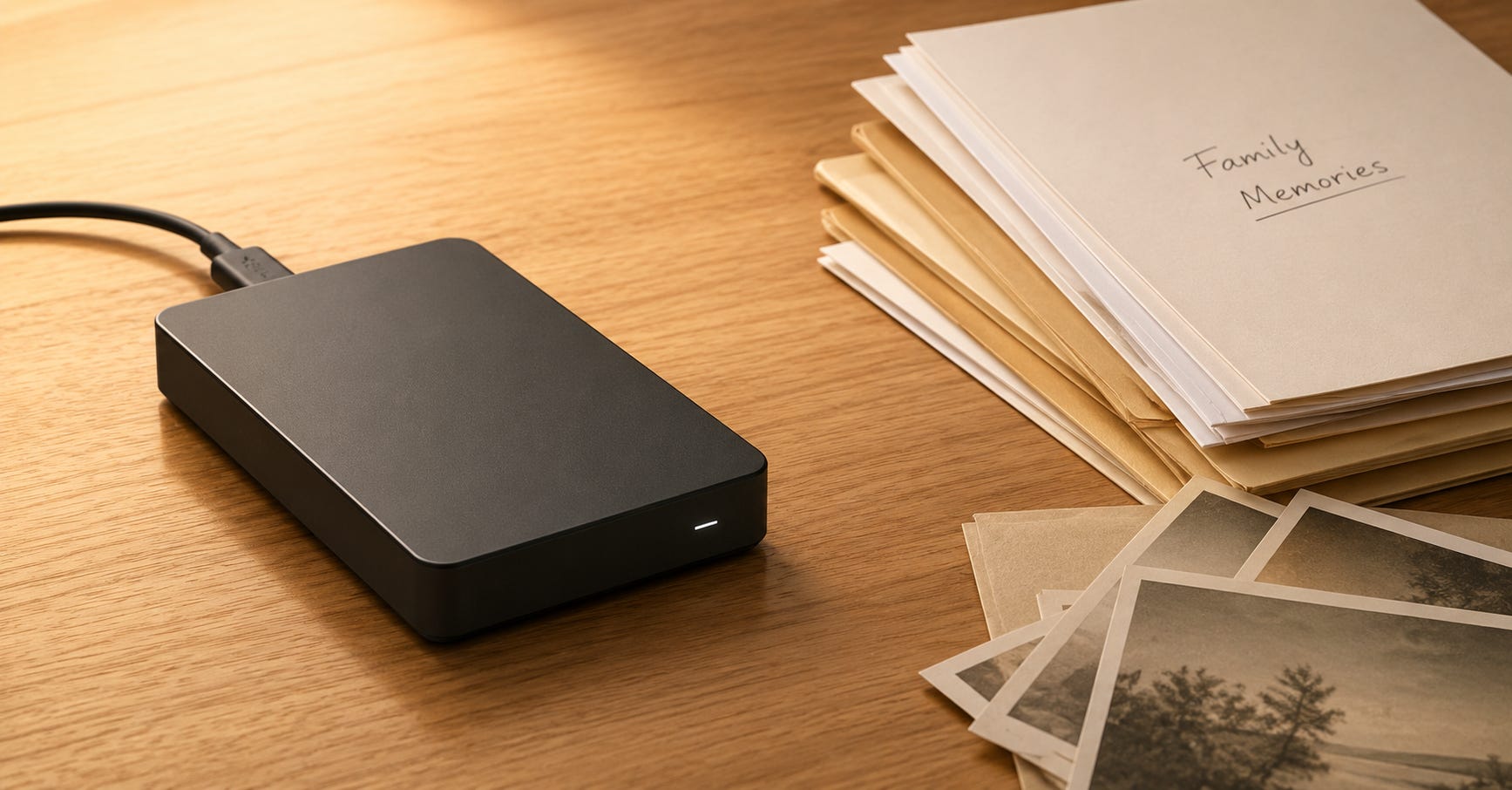
I moved everything to an external hard drive. All 80GB of photos. All 10GB of documents. Every file transferred, verified, confirmed present and accounted for before anything else happened. The 25-year-old who lost seven years of emails in 45 seconds was standing right behind me the entire time, looking over my shoulder, making absolutely certain nothing bad was going to happen. I could even smell the Axe deodorant scent I wore back then.
When every file had safely arrived, I signed her out of OneDrive and uninstalled the program from her Windows 11 computer. No more Microsoft silo. No more competing save locations. No more notifications sliding in from the right edge of the screen asking her to sign back in to a service she no longer needed. Her files are on a physical drive she can hold in her hands and put in a drawer and know exactly where it is. We agreed to make plans when her schedule permits, and she is up for tackling more nerdy work, to upload those photos into her Apple silo for reminiscing on her mobile device.
Even though it had nothing to do with files or account subscriptions, I installed uBlock Origin Lite on her Chrome browser. The ads I noticed on the columns flanking her personal email webpage disappeared. Clutter vanished. Pages loaded the way they used to load, without the commercial noise that technology companies have decided their customers deserve. She didn’t ask for this. I did it as I was wrapping up the home consultation because I could and because she deserved it.
Before I left, she said it again: “I would never have been able to do this by myself.”
She’s right. Not because she isn’t intelligent or capable, but because the technology industry spent decades building systems that require a professional guide to navigate, charged her annually for the privilege of being confused by them, and never once asked whether what they built actually served her.
Driving home, I thought about the invincible, bulletproof 25-year-old who deleted seven years of emails in 45 seconds. I thought about what it cost the faculty member who trusted him, and what thirty years of carrying that moment quietly produced in a person who decided to never let it happen again.
Her photos are on a drive she can hold in her hands. Every one of them.
That’s the mission.
More later...